Over the course of my work in the UAS industry I have gotten the chance to see the importance of being comfortable with operating within a Linux distro. A variety of software tools, analysis scripts, or directly interfacing with specific hardware components for setup and diagnostic is more efficient to do when using a computer running Linux. In my personal life I have dabbled with running live versions of Linux distros like Ubuntu, and Raspberry Pi OS on Raspberry pis, but never committed to a form of daily use. Two years ago I got a Steam Deck and began to play around within its desktop operating system mode, and with the increasing bloat of Windows, I have really began thinking about making a full switch to Linux. To help with a transitional period of getting comfortable and to enable myself to do more personal development based on recent skills I’ve learned I need to develop, I decided to pick up a Framework Laptop 16”, and use it with Linux.
It is still early days with the laptop, but I wanted to write up about my experience with getting the laptop, and putting it together. With the current shortages of RAM and storage, it was interesting to see that the Framework store front seemed to use fluctuating pricing. I had it in my mind for a little over a month that I wanted to by a Framework laptop, so I periodically would visit their online shop and laptop builder to select components and see the price. As I started to settle on the processor, ram, storage, and other configuration options I wanted, I noticed that the price would change a little bit depending on when I looked at it. We could say this was also me being a little to enthusiastic about planning to get the laptop but it provided for an interesting experience where I watched the price dip back down a little bit, and level out compared to when I initially started looking (a nice surprise in the current market).
For those unfamiliar with Framework as a brand, the company is focused on building laptops and computers that are highly repairable by the end user, and enable modularity of components to support upgrades down the line. Framework does have a variety of per-configured versions of their devices that you can buy and have come per-assembled, but the main thing they are known for is their “DIY” versions where you assemble the laptop yourself with your selected components. Many people that are more technically inclined have and continue to built their own desktop PCs, but the option to build your own laptop in such a streamlined way hasn’t existed with such market relevance before.The laptop came in fairly discrete packaging, which when opened immediately shows you a variety of the components you’ll use to assemble your laptop. QR codes are present for you to scan with your smartphone to access instructions and other resources. With how many pieces there are I wish I had a slightly bigger workspace to help keep components safely set aside until I needed them, but I made do.
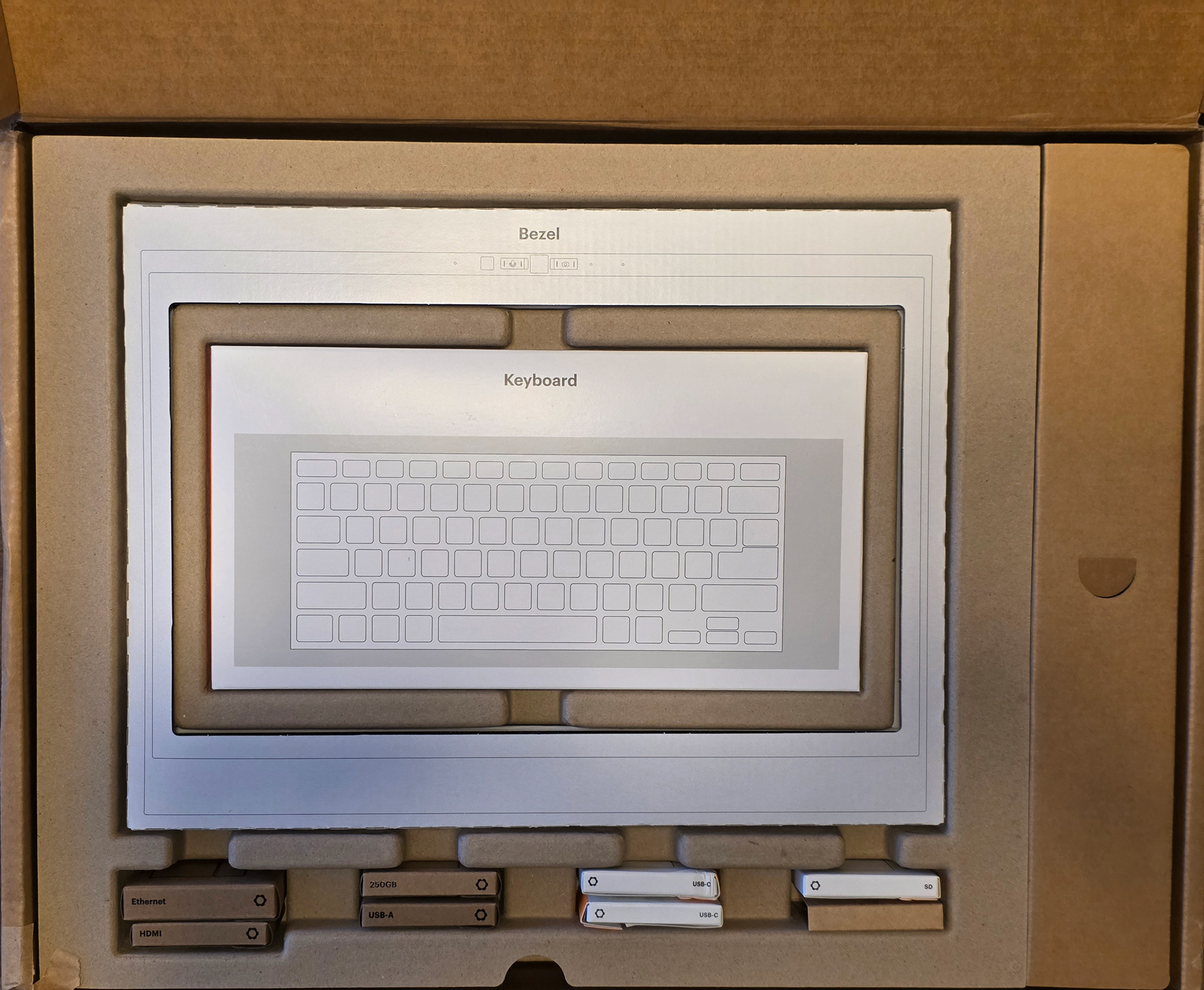
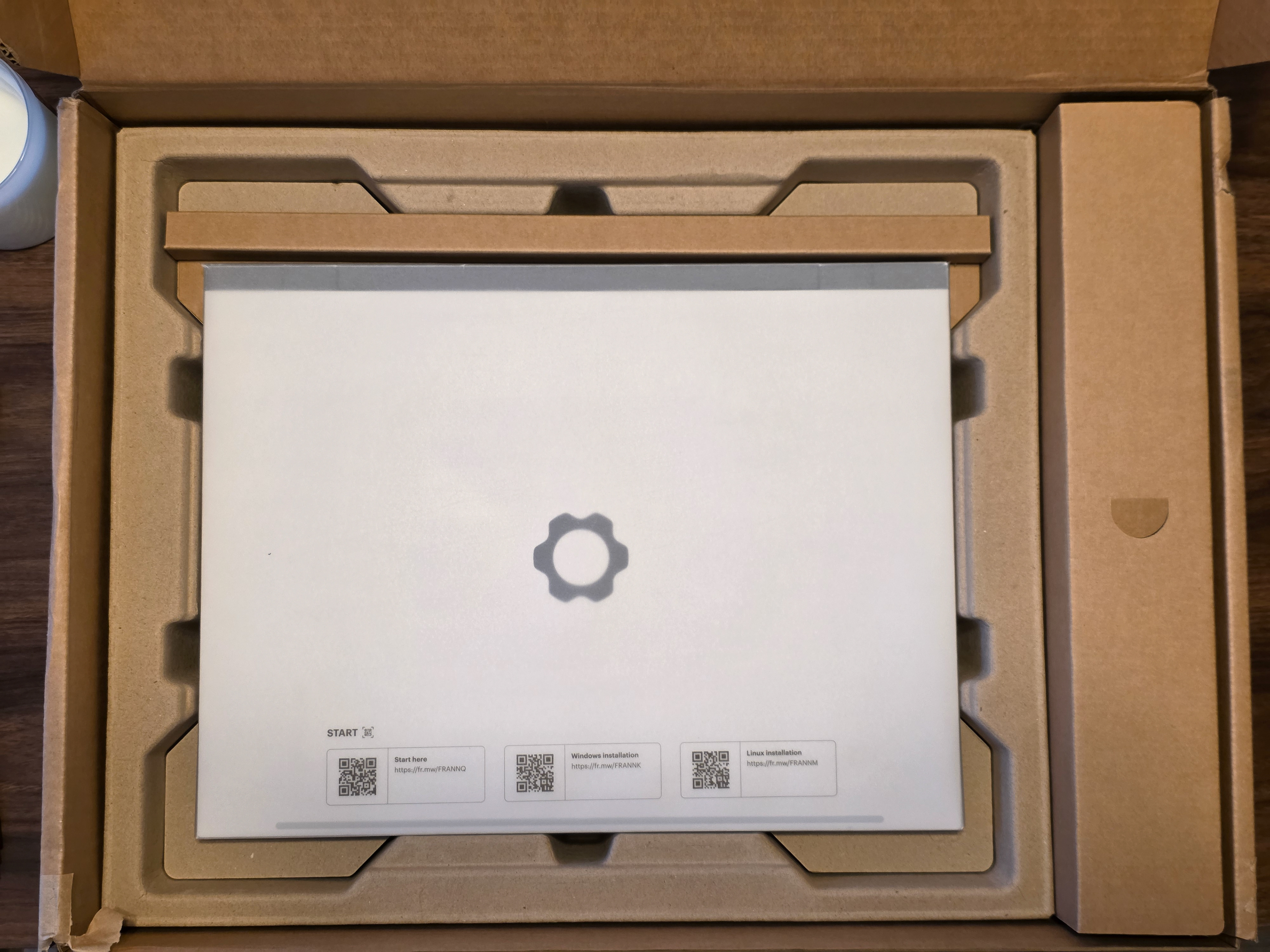
After setting aside the components on top I got to see, and pick up the main laptop chassis. On the first pick up the heft certainly surprised me. I knew that it was made out of metal, primarily aluminum from my understanding, but it was certainly more hefty than I had imagined. With the heft though, it also felt very solid in my hands as well. Opening the laptop up reveals the screen, touchpad, and mid plate. The mid plate covers the main processor and where you’ll install your RAM and storage.
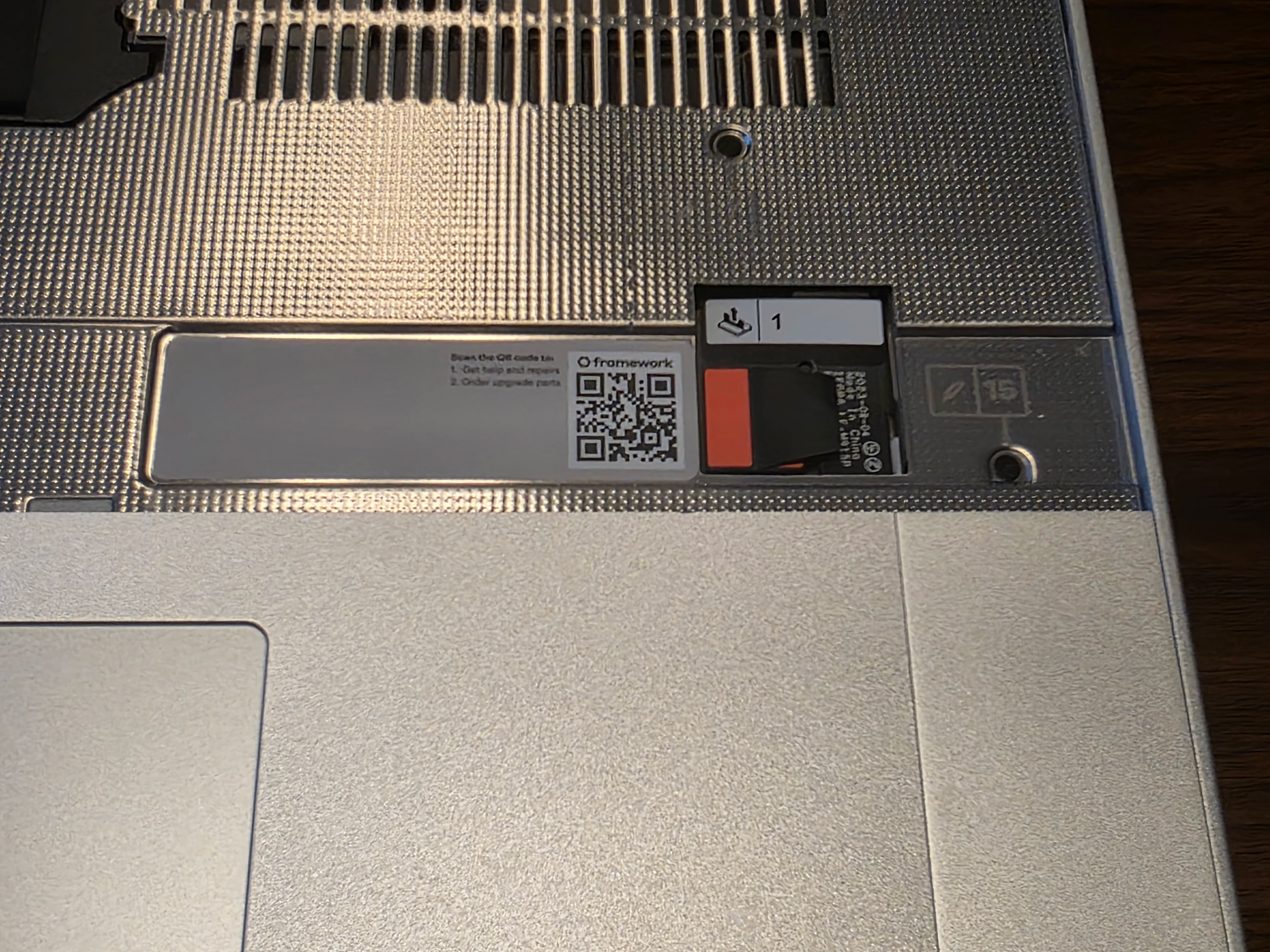
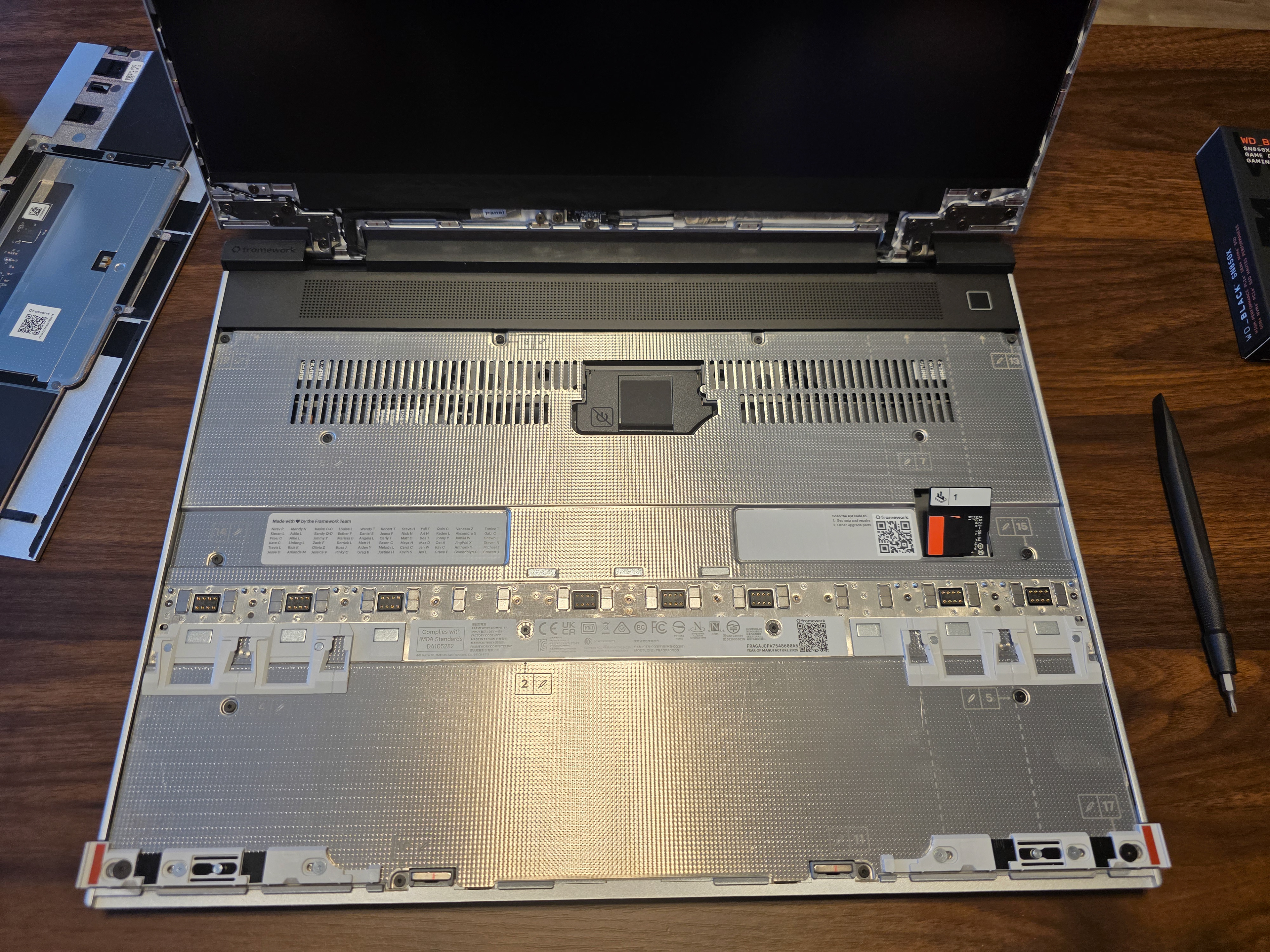
The mid plate uses captive screws so that on removal of the mid plate you do not lose any of those small screws! Now is a good time to also mention that the device came with a little combo screwdriver and wedge, making it easy to get straight to work on the device.
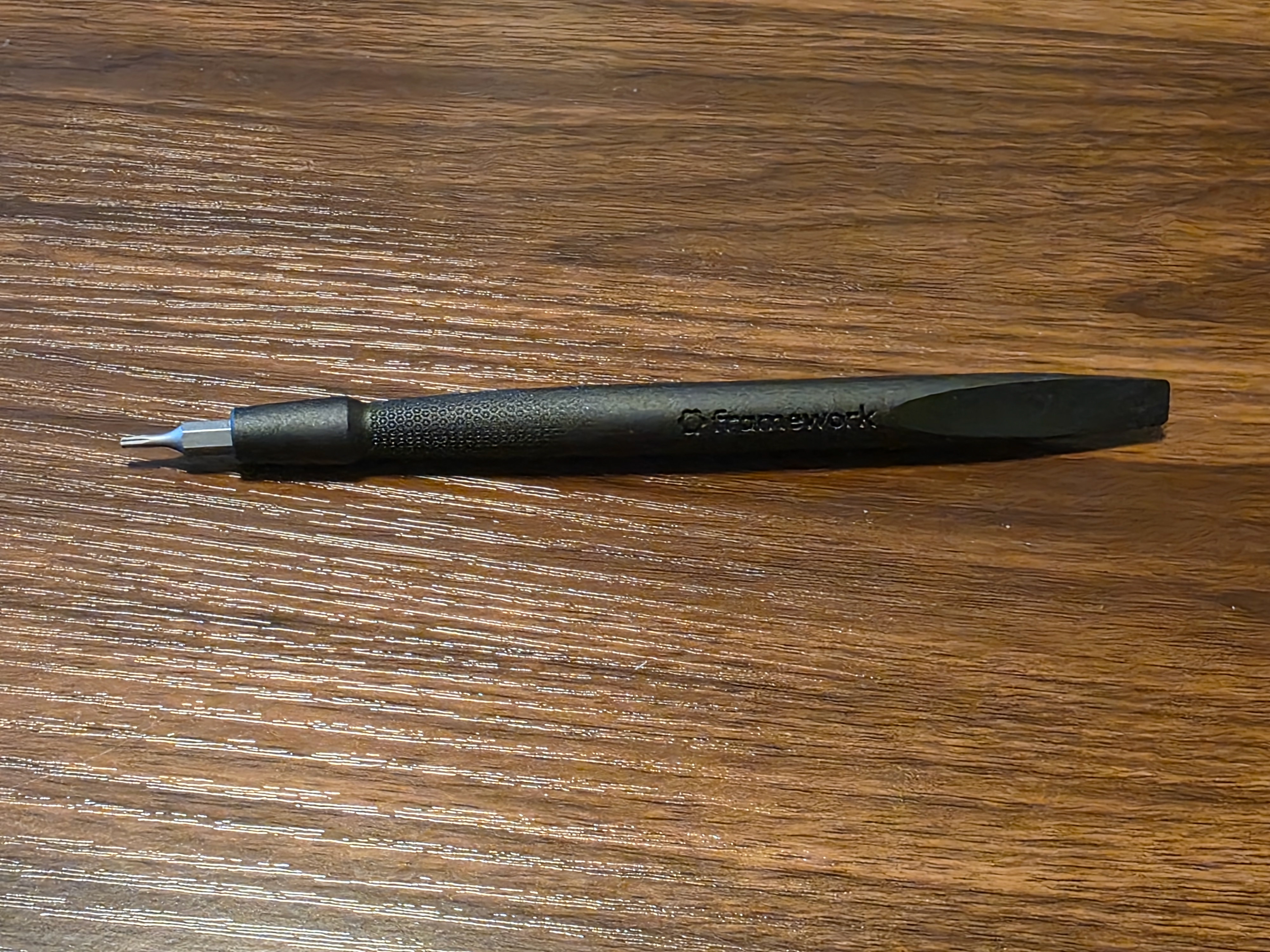
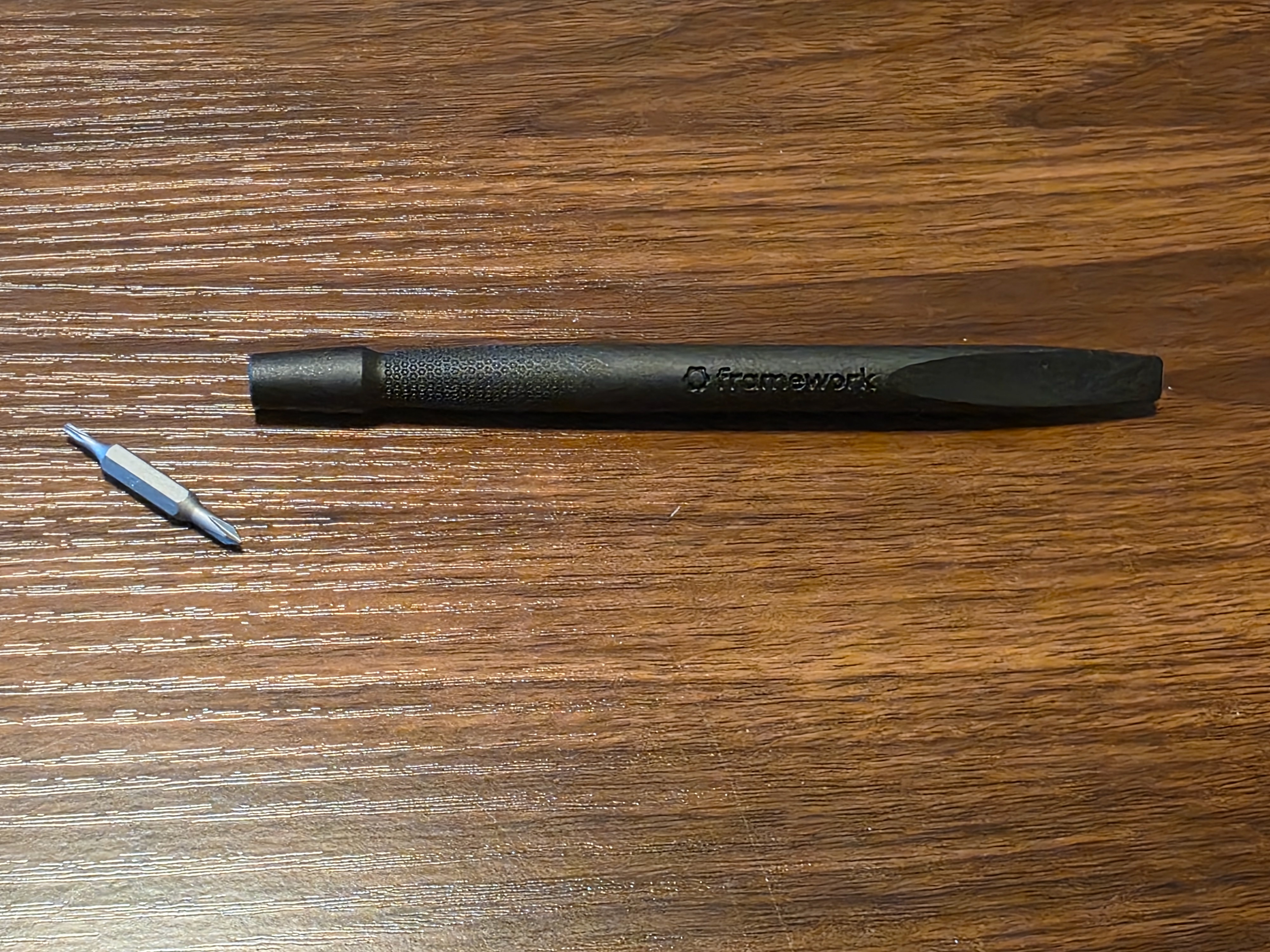
After removing the mid plate, and the touchpad there were clear and easy to identify locations to install your storage and RAM. I personally went with a 1TB drive and a single stick of 16GB on RAM. While I initially planned to go with 32GB of ram, the prices are just too high right now, and I decided it would be easy enough to upgrade later if I really needed the extra memory.
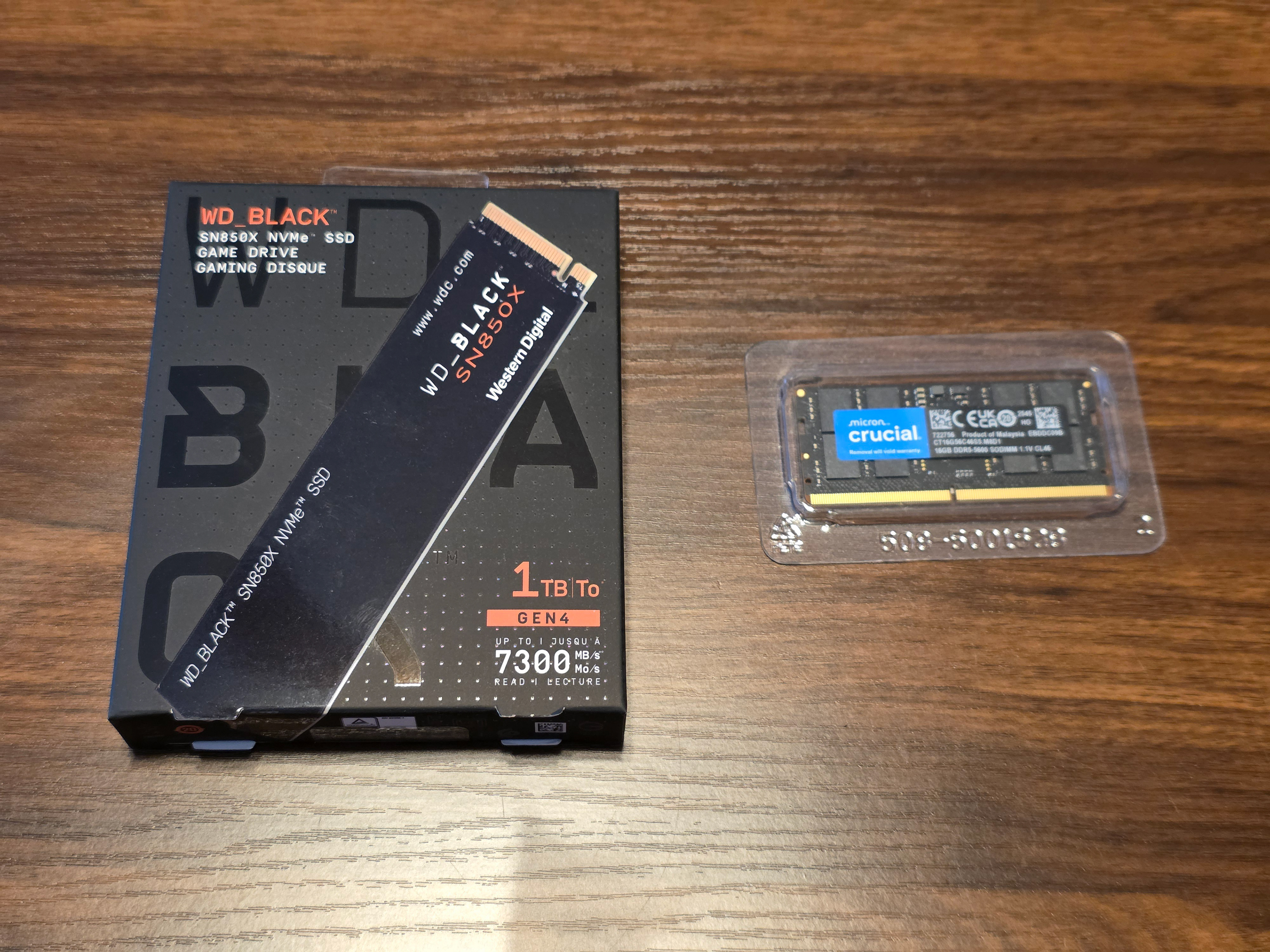
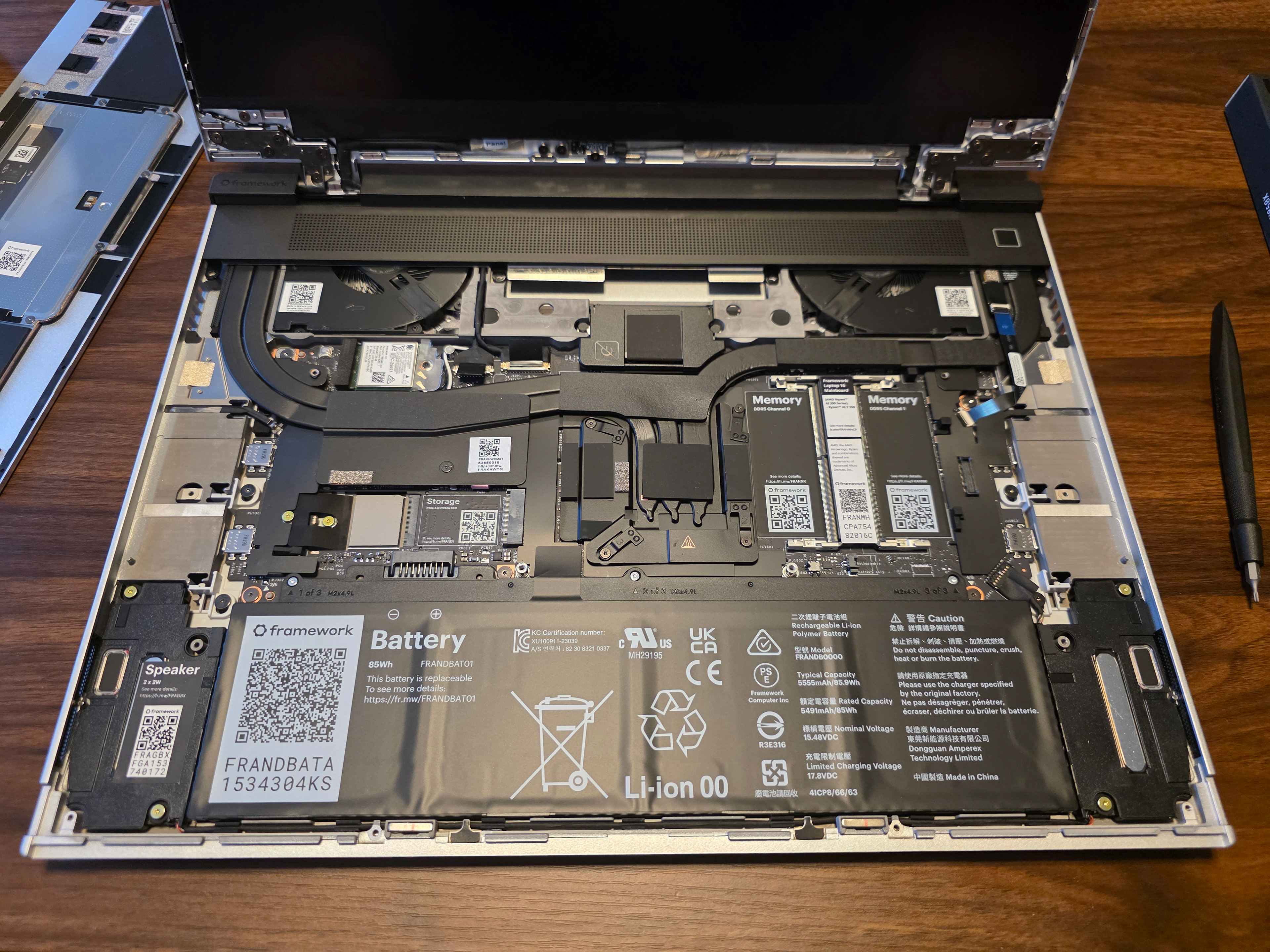
This is also the state where you could change out the graphics card that the laptop uses. The Framework Laptop 16” offers a removable graphics card, that is upgradeable by the end user with both AMD and NVIDIA options. While the idea is amazing I elected to not get a dedicated graphics card at this time, but it is great to know that I can always add one later.
After those components are installed, its as easy as reinstalling the mid plate again, then clicking into place the keyboard, touchpad, and any additional numpads, LEDs, or spacers. The laptop design has connectors through the mid plate that allow for ease of removal and installation of these pieces. It was a little difficult to ensure that the components lined up on the first try, but with some minor adjustments they were not to difficult to get installed.
Once that is done you attach the bezel to the laptop screen, and then connect your ports. The 16” laptop has six USB-C connections that are recessed into the chassis of the laptop. These enable you to connect a variety of connector modules to give your laptop a custom configuration of ports from USB, Display Port, HDMI, SD card slots, and more. After making sure all the modules, and the chassis are locked in place the laptop build is finished. From here you can install the OS of your choice and begin using your new laptop. Personally right now I am trying out the KDE version of Ubuntu.
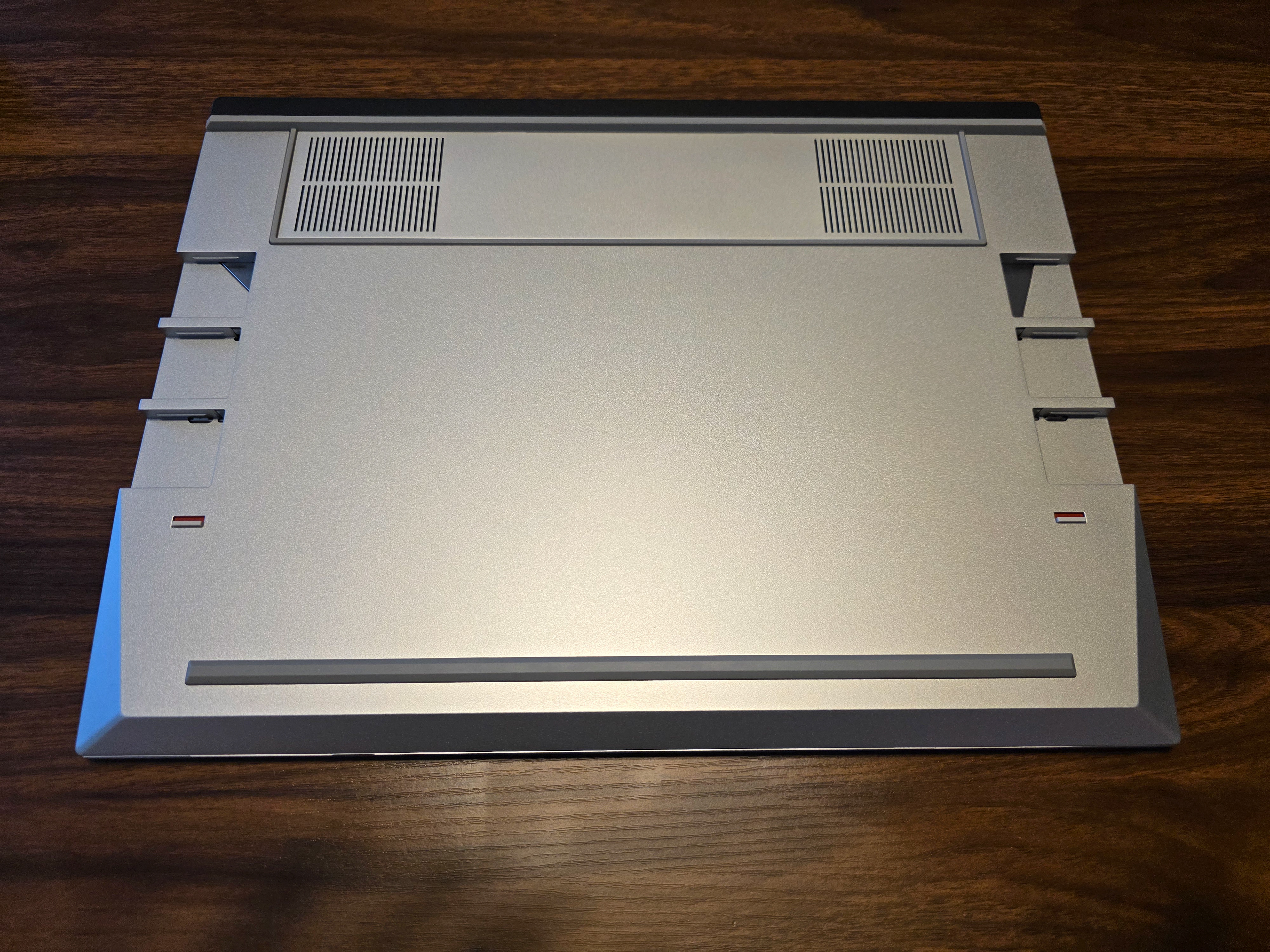
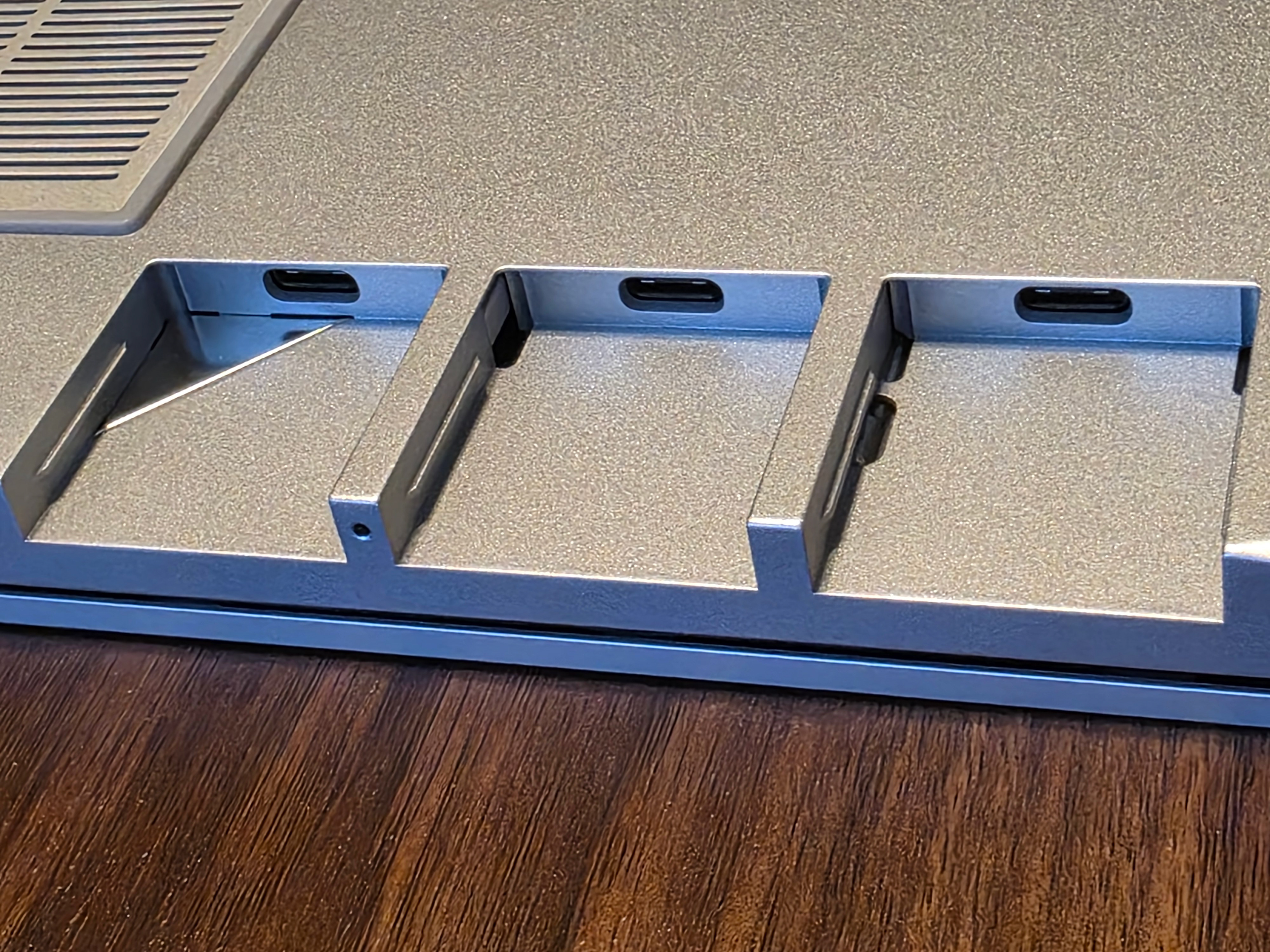
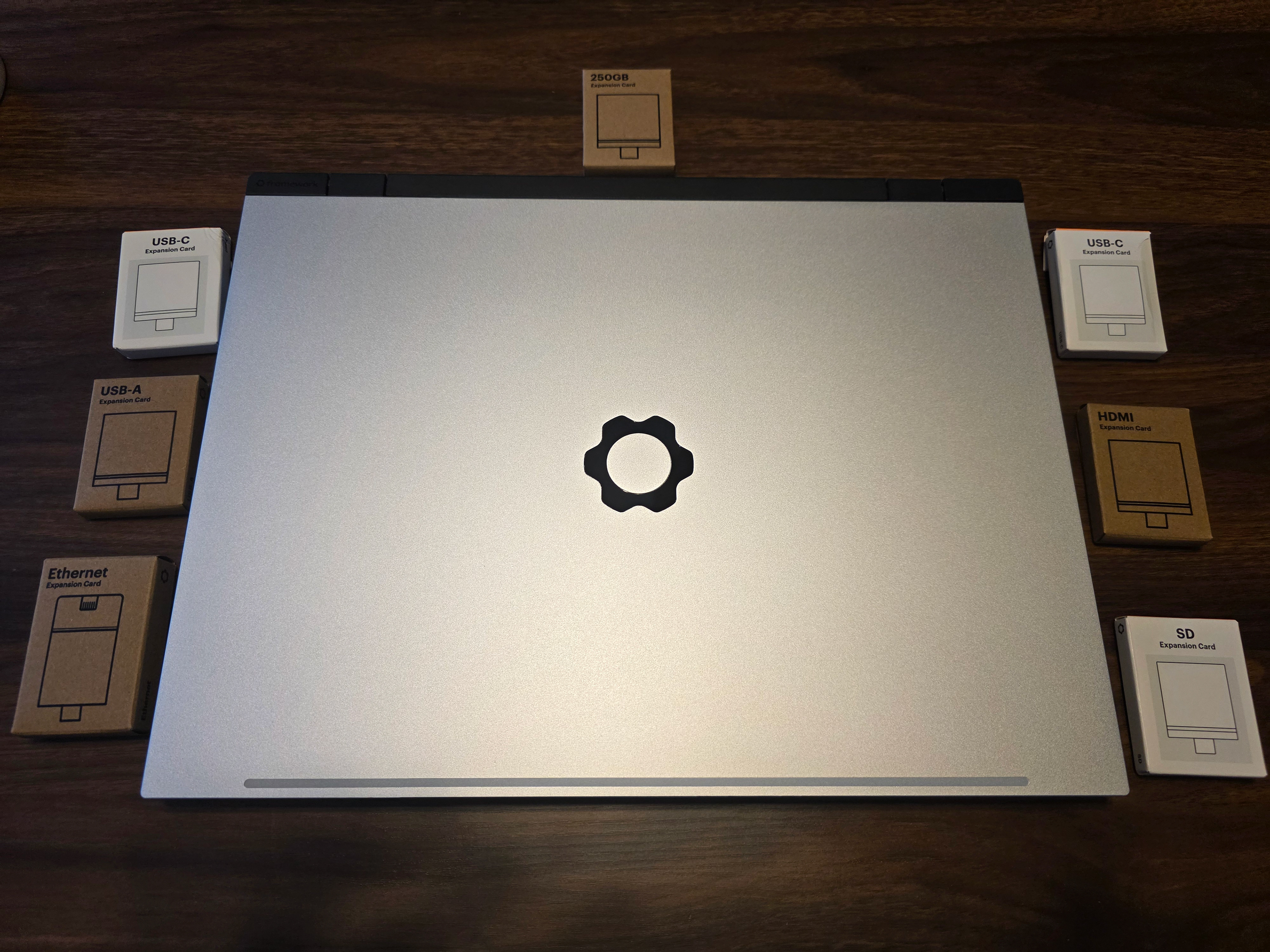
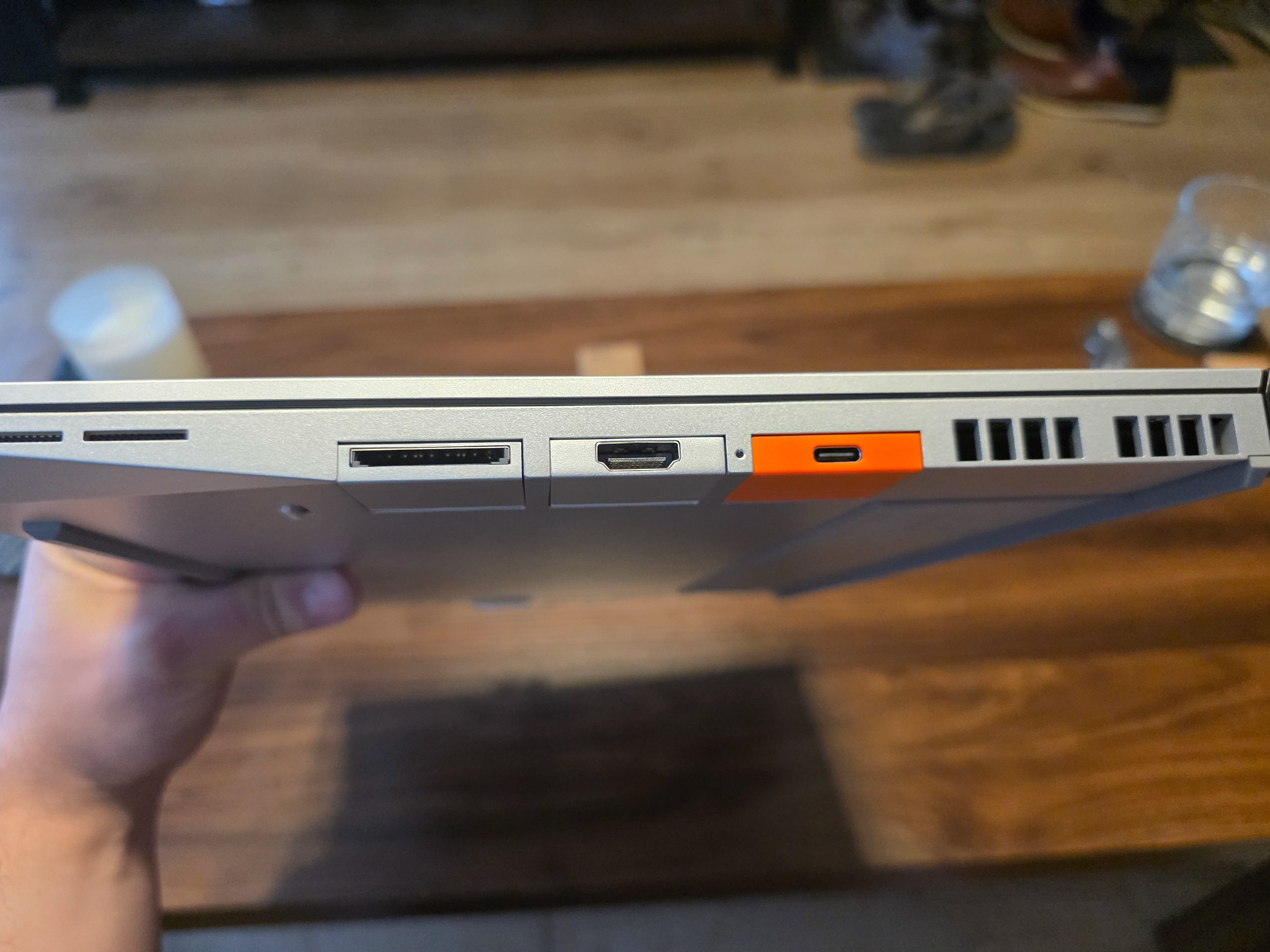
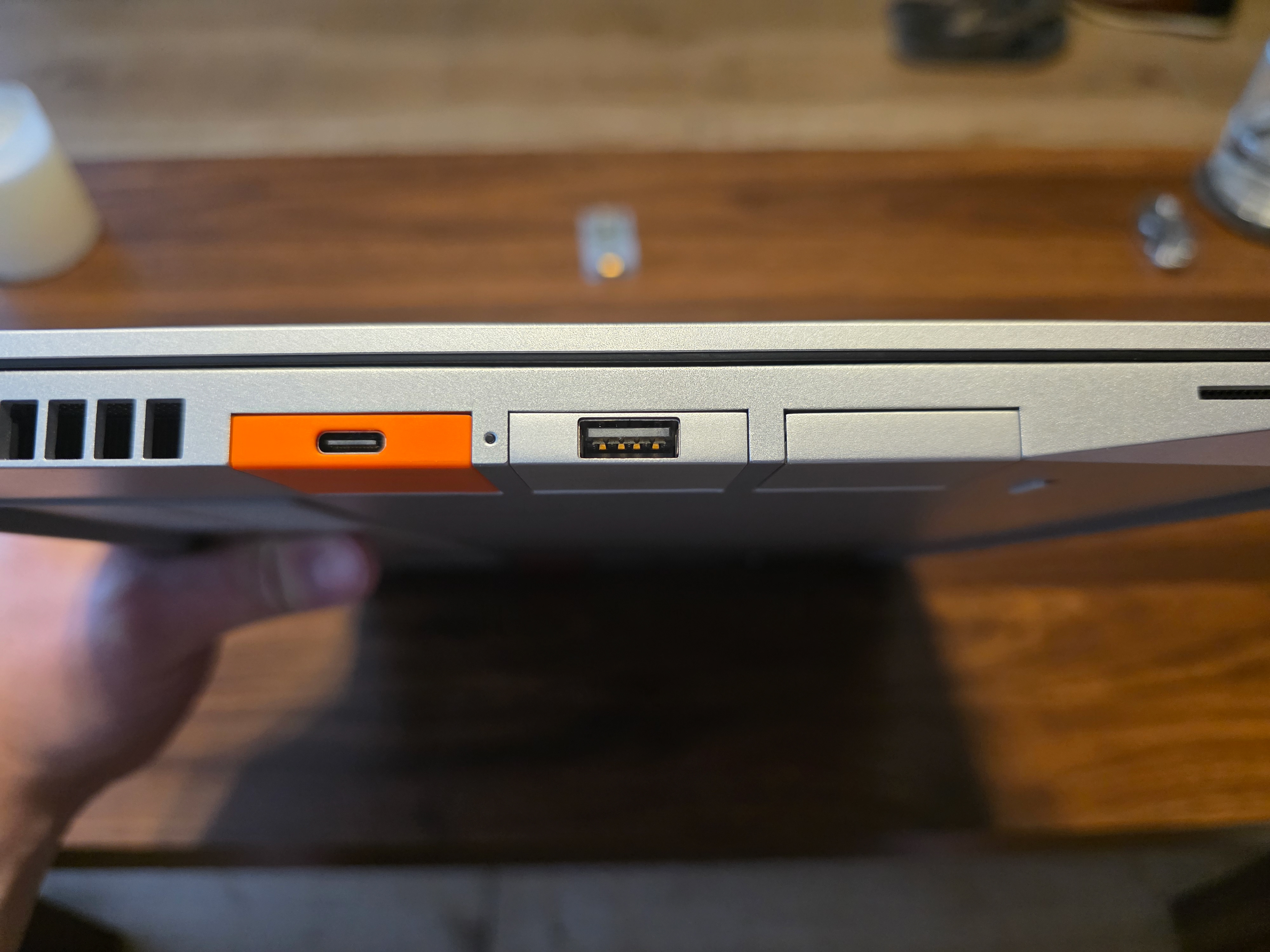
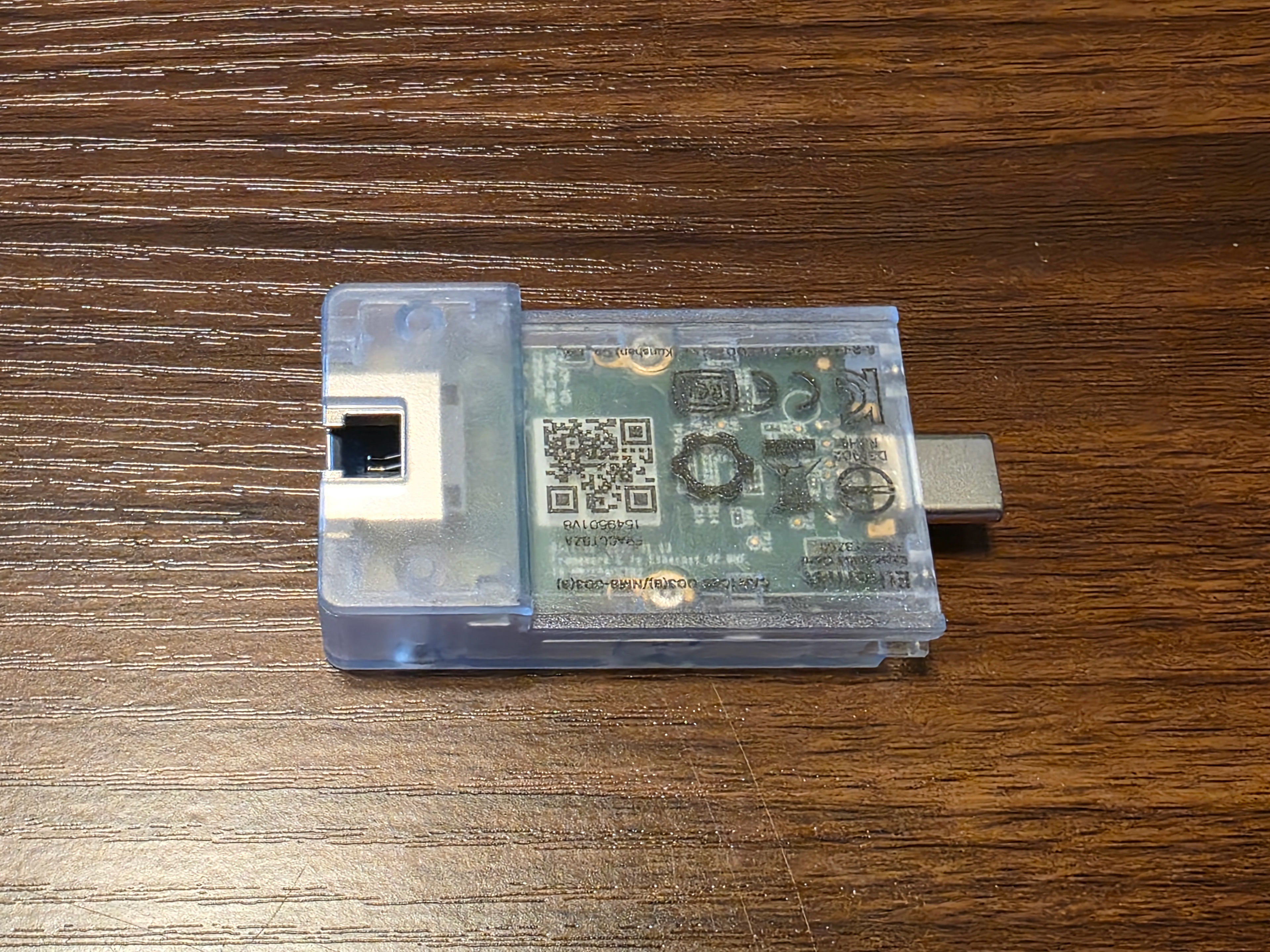
The way this laptop is designed made it really straight forward to assemble. Other laptops have removable components like RAM or storage, but with this design it is so straightforward that I believe it would empower even less technical people to preform repairs and upgrades on their own devices. From clear indicators written onto the device, the captive screws used on the mid plate, and the minimal need for different tools, this is an amazing laptop design.
With all of these positives, there are a few negatives I want to address as well. The first comes from the components themselves. On my own device I noticed that there is a little bit of wiggle on the left spacer of the touch pad and a small gap between the keyboard and the numpad. Looking online it appears this is a fairly common issues with the manufacturing tolerances of the components. On one hand this is something to be expected from a more modular device, but on the other hand for such a premium priced device it is a bit difficult to overlook as a customer. It is of course not the end of the world, but something I’d love for Framework to continue to iterate on.
The other issue I’d like to address is that, while I love the modularity and repairable design of the laptop, and also enjoy the option to build the laptop like I have my own PCs, I think the amount of wasteful packaging goes against the ethos of Framework. Having more repairable devices should allow for them to last longer and not become e-waste like so many of the devices that are produced today, and using cardboard that is recyclable is also great for offsetting waste as well. I can’t help but look at how much packaging was used to send me these components so that I could assemble the laptop myself, and think that its a bit wasteful. I understand that this packaging is the same as if I were to purchase individual components to perform a repair, but I image the packaging waste would be resolved by having Framework build all of the devices themselves. Let’s be honest here, putting in some memory, a keyboard, and screen bezel is not really a lot of assembly. In my eyes it would be great for Framework to keep the modular and repairable designs, but reconsider their packaging practices.
All in all I am excited to have the chance to daily use Linux on a device of my own where I can continue to expand upon what I have learned through my previous work experience. It also feels great to personally be supporting a company that is following design practices that are pro-consumer with the products they produce. Hopefully through more personal use of Linux on this laptop it will give me the courage and peace of mind to make the switch on my PC as well.